Expert Tips on Maintaining Your Portable Card Reader for Optimal Performance
Understanding Your Portable Card Reader
Portable card readers have become an essential tool for businesses of all sizes, allowing for seamless transactions anywhere. To ensure your device functions optimally, it’s crucial to understand its basic components and operation. Familiarize yourself with the user manual, and take note of any specific maintenance recommendations provided by the manufacturer.

Regular Cleaning for Longevity
One of the simplest yet most effective maintenance practices is regular cleaning. Dust and debris can accumulate in the card slot, leading to read errors. Use a can of compressed air to gently blow out any particles. For the exterior, a soft, slightly damp cloth can help maintain its appearance. Avoid using harsh chemicals that could damage the device.
Cleaning the Card Reader Slot
To clean the card reader slot, use a specialized cleaning card. These are designed to remove dirt and oil without harming the device. Insert the cleaning card as you would a regular card, and follow any specific instructions provided with the cleaning product.
Software Updates and Security
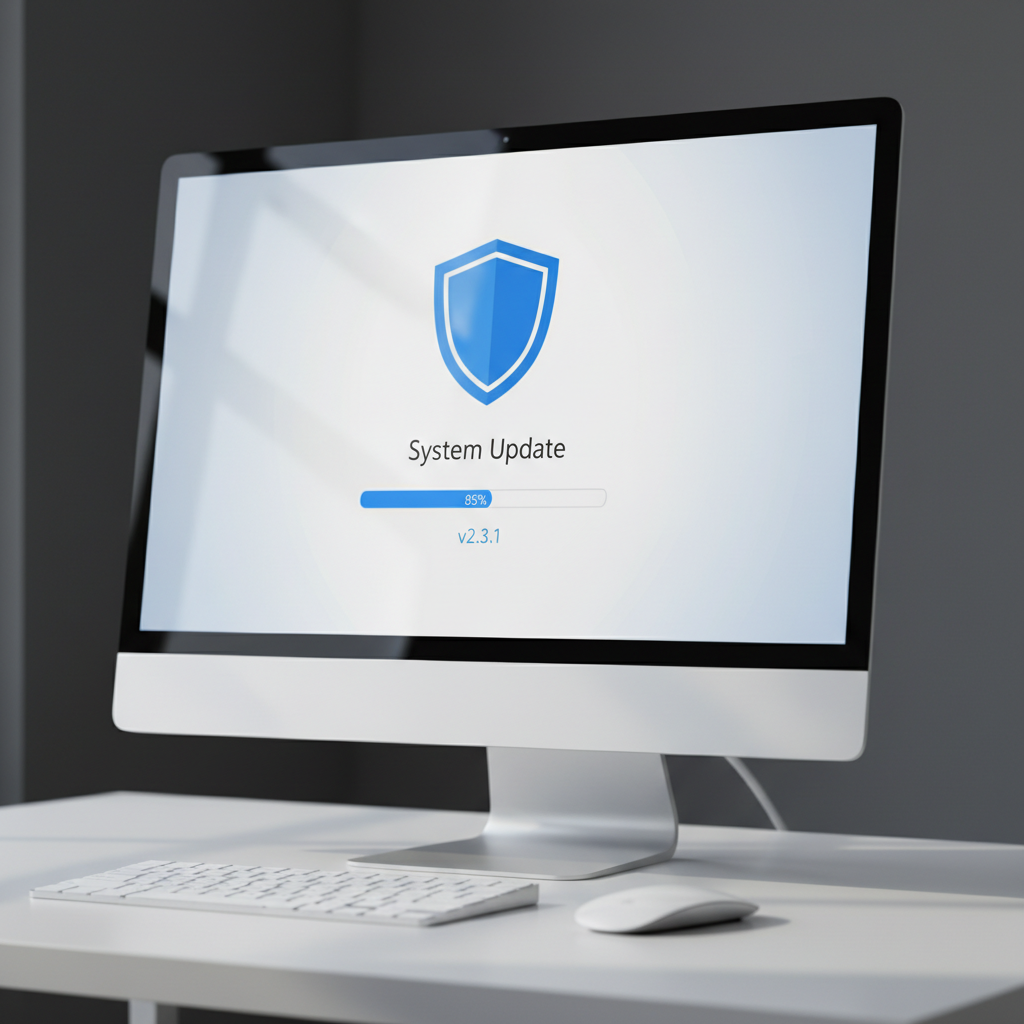
Keeping your card reader’s software up-to-date is essential for ensuring optimal performance and security. Regularly check for updates from the manufacturer, and install them as soon as they become available. This not only enhances functionality but also protects against security vulnerabilities.
Ensuring Data Security
Data security is paramount when dealing with transactions. Use strong passwords and change them regularly. Additionally, enable any available security features on your device, such as encryption and fraud detection alerts.
Battery Maintenance
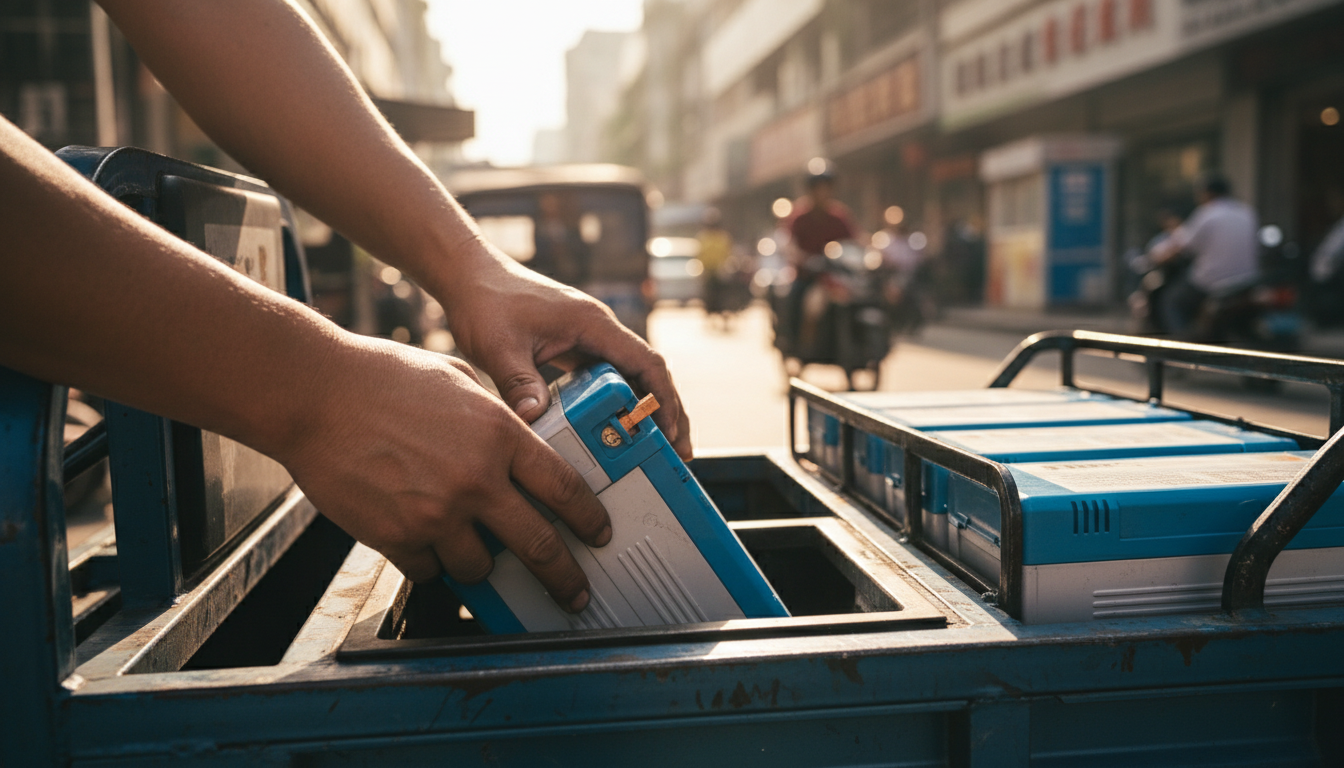
If your card reader is battery-operated, proper battery care is crucial. Ensure you’re using the correct type of batteries, as specified by the manufacturer. To maximize battery life, avoid letting the battery completely drain before recharging, and store the device in a cool, dry place when not in use.
Replacing the Batteries
Over time, batteries will lose their ability to hold a charge. Monitor their performance and replace them as needed to prevent disruptions during transactions. Keep spare batteries on hand to ensure continuous operation.
Troubleshooting Common Issues
Even with regular maintenance, issues may arise. Common problems include connectivity issues and read errors. For connectivity problems, ensure that your device’s Bluetooth or Wi-Fi settings are correctly configured. For read errors, recheck the cleanliness of the card slot and try using a different card to see if the issue persists.
When to Seek Professional Help
If troubleshooting does not resolve the issue, it may be time to seek professional assistance. Contact the manufacturer’s support team for guidance, or consult a professional technician if necessary.
Conclusion
Maintaining your portable card reader is essential for reliable and efficient transactions. By implementing these expert tips on cleaning, updating software, securing data, and caring for batteries, you can ensure your device remains in top condition. Regular maintenance not only extends the life of your card reader but also enhances the overall customer experience.