Expert Tips for Maximizing Your Card Reader’s Efficiency
Understanding Your Card Reader
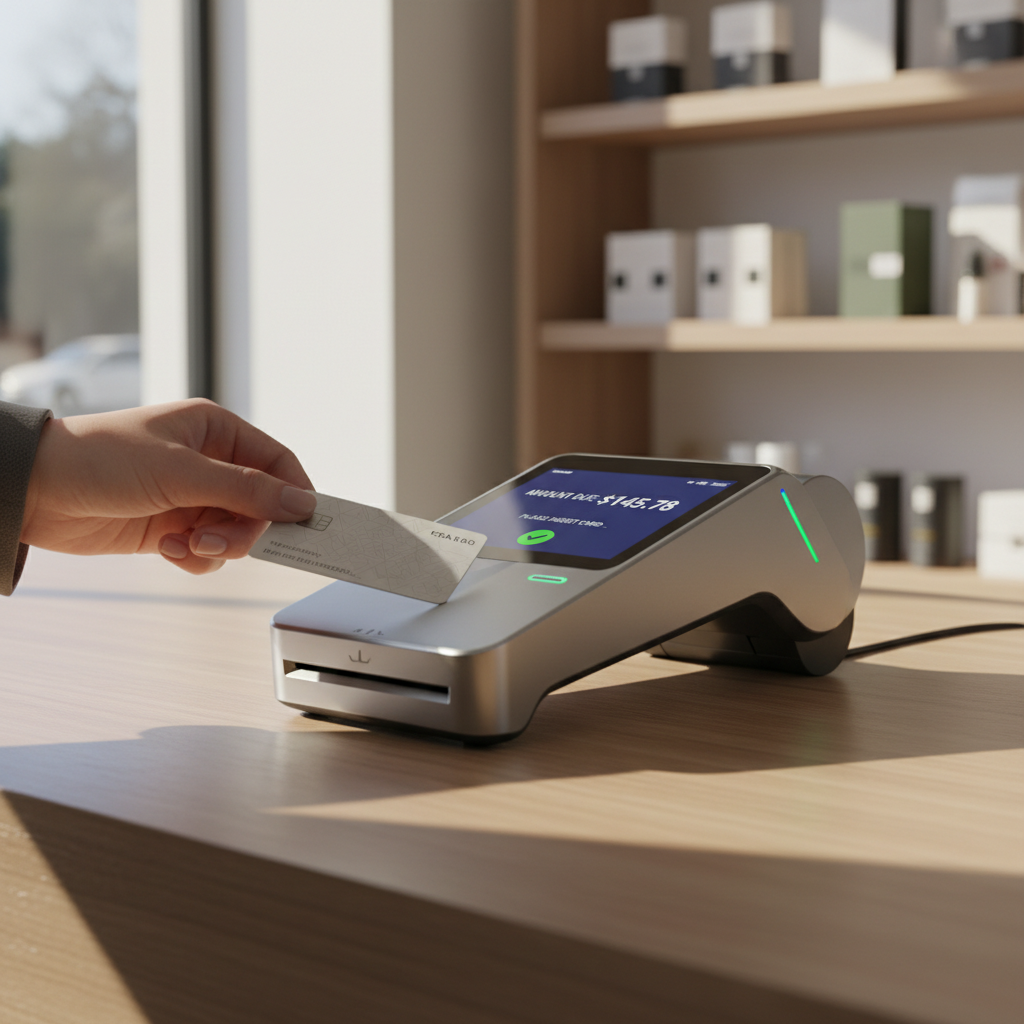
Card readers are essential tools for businesses of all sizes, enabling seamless transactions and efficient customer service. Understanding the different features and capabilities of your card reader can significantly enhance its performance. Familiarize yourself with its specifications, compatible software, and connectivity options.
Keeping Your Device Clean
Regular maintenance is crucial for keeping your card reader functioning optimally. Dust and dirt can lead to read errors, so make it a habit to clean the device regularly. Use a soft, lint-free cloth and avoid harsh chemicals that could damage the surface.
Consider using cleaning cards specifically designed for card readers. These cards can effectively remove dirt from the internal components, ensuring smoother transactions and prolonging the lifespan of your device.
Optimizing Transaction Speed
High transaction speed is vital for customer satisfaction. Ensure your card reader is connected to a reliable internet source, preferably using a wired connection for maximum stability. Regularly update the software to benefit from performance enhancements and bug fixes.

Utilizing Advanced Features
Modern card readers come equipped with a variety of features designed to enhance productivity. Contactless payments and mobile integrations provide faster checkout experiences. Train your staff to efficiently use these features, reducing wait times and improving customer satisfaction.
Explore analytics tools that some card readers offer. These insights can help you track sales trends and make informed business decisions.
Employee Training
Proper training is essential for maximizing the efficiency of your card reader. Ensure that all employees understand how to handle transactions, troubleshoot minor issues, and maintain the device. Consider hosting regular training sessions to keep skills sharp and knowledge up to date.

Security Considerations
Security is a top priority when handling transactions. Use encryption features to protect sensitive customer data and regularly update security protocols. Teach employees to recognize and respond to potential security threats, ensuring a safe environment for both your business and your customers.
Implementing a robust security policy not only protects your business but also builds trust with your clientele.
Monitoring Performance
Regularly monitor your card reader's performance to identify any potential issues. Keep an eye on transaction logs, error rates, and connectivity problems. Addressing these issues promptly can prevent disruptions and maintain smooth operations.

Conclusion
Maximizing your card reader’s efficiency involves a combination of proper maintenance, employee training, and utilizing advanced features. By following these expert tips, you can ensure your card reader remains a reliable and effective component of your business operations.