DIY Solutions for Common Card Reader Problems
Card readers are essential tools in our tech-driven world, but they can sometimes present frustrating challenges. Fortunately, many common card reader issues can be resolved with simple DIY solutions. Whether it’s a connectivity problem or a read error, we’ve got you covered.
Check Physical Connections
Before diving into more complex solutions, ensure that your card reader is properly connected. Sometimes, a loose connection can be the root of the problem.
Inspect the USB Cable or Port
Begin by checking the USB cable or port. Make sure the cable is securely connected to both the card reader and your device. If the connection seems loose, try using a different cable or port. A damaged cable could be the culprit.
Update Drivers
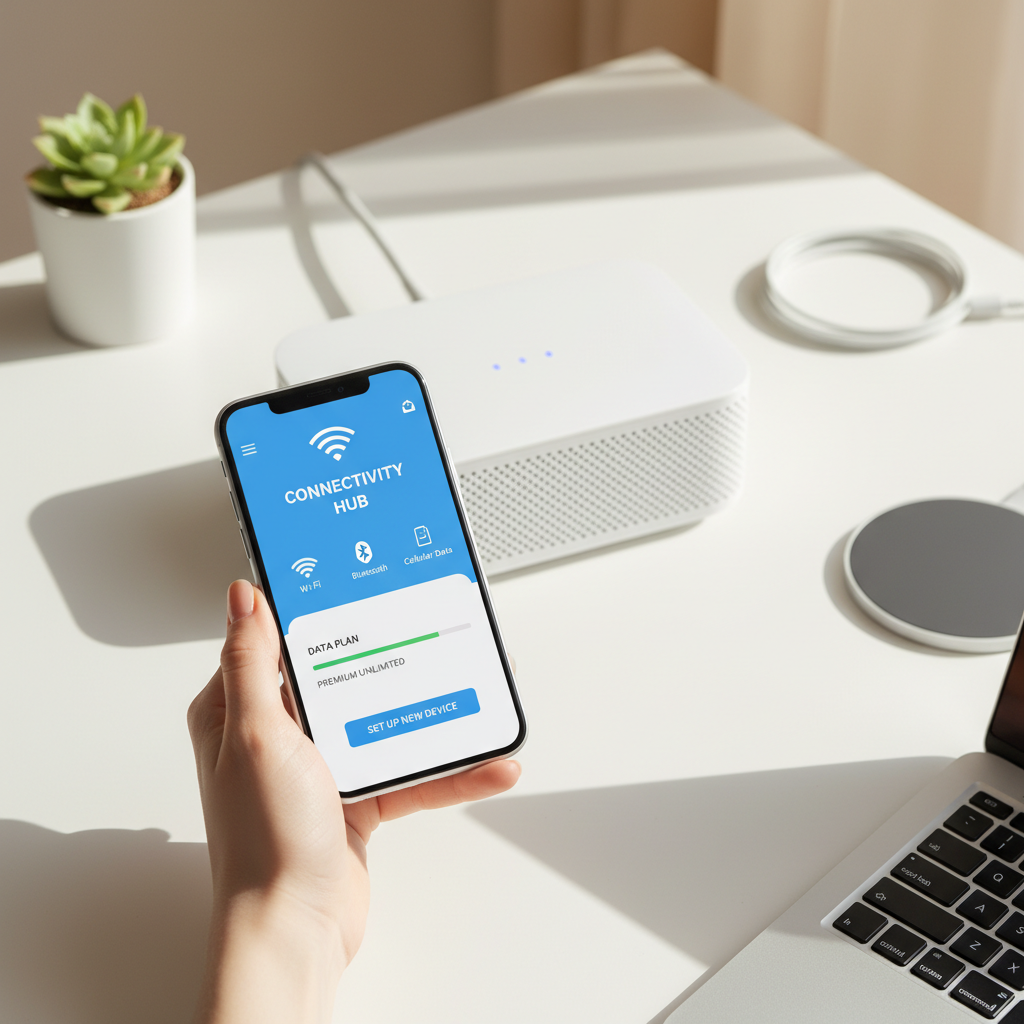
Outdated or missing drivers can lead to card reader malfunctions. Updating your drivers can often solve these issues.
Manually Update Drivers
To update drivers, navigate to the device manager on your computer. Locate the card reader in the list, right-click, and select “Update driver.” Follow the on-screen instructions to complete the update.
- Open Device Manager.
- Find your card reader under “Disk drives.”
- Right-click and choose “Update driver.”
- Follow the prompts to install updates.

Clean the Card Reader
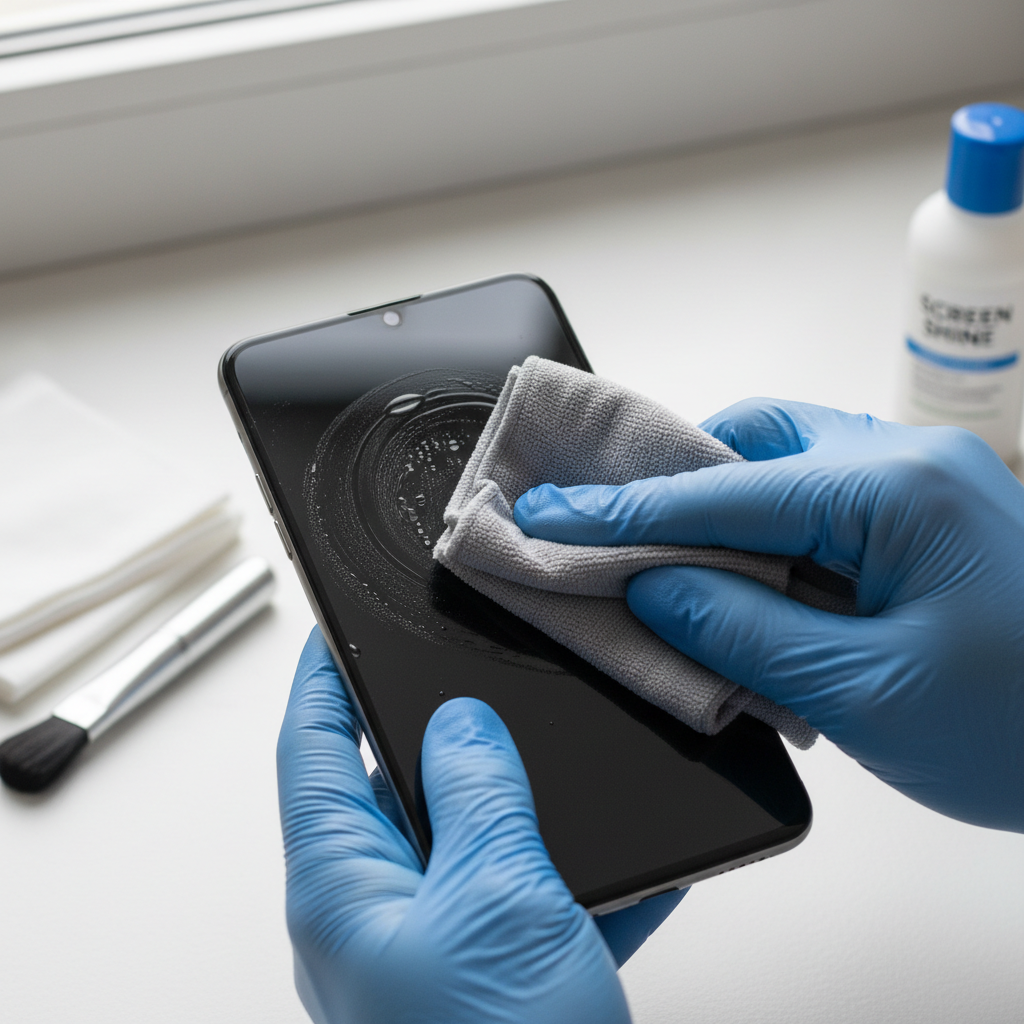
Dirt and debris can accumulate in card readers, causing read errors. Regular cleaning can prevent this from happening.
Use Compressed Air
Gently use a can of compressed air to blow out any dust or debris from the card slot. Be careful not to insert anything into the slot that might cause damage.
Test with Different Cards
If your card reader still isn’t working, try using a different card. Sometimes the card itself might be damaged or corrupted.
Check for Card Damage
Inspect the card for physical damage such as cracks or bends. If another card works, the issue likely lies with the original card.
- Check for visible damage.
- Try using a known working card.
- Consider replacing the damaged card.
By following these DIY solutions, you can often resolve common card reader problems without the need for professional assistance. Keep these tips in mind the next time you encounter a card reader issue, and you’ll be back up and running in no time.